


Find the right hardware for your entrance.
Gate entry, keypads and vehicle detection for residential, commercial and multi-family properties. Start with your property type, and we will narrow it down.

Find the Right System
Reliable access control hardware for homes, commercial properties and multi-family developments.
 Image
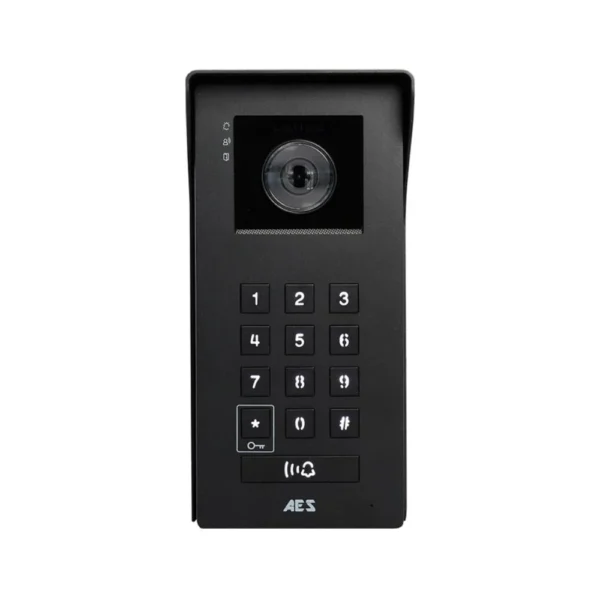
ImageOpyn callbox
Opyn
See and speak to visitors from the Opyn app or an indoor monitor, with 150 keypad codes, QR entry and remote gate release.
View product →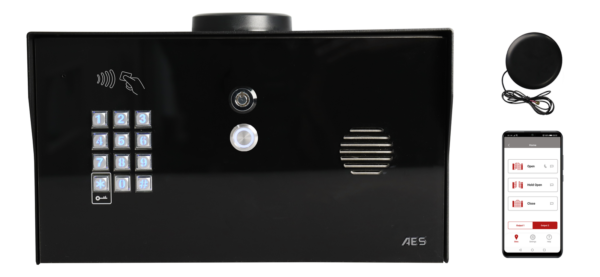 Image
ImagePrime EDGE
Prime EDGE
A 4G cellular callbox that dials a home, office or mobile phone in sequence when a visitor presses call. Illuminated keypad, prox reader, no landline needed.
View product →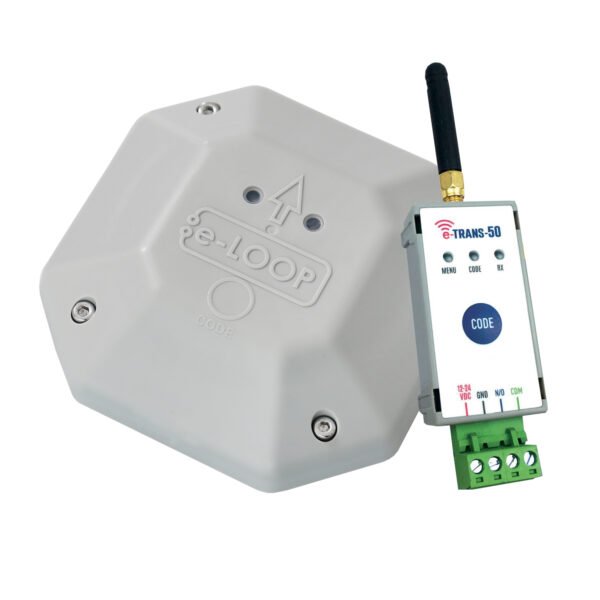 Image
ImageeLoop detector
eLoop Mini
Wireless vehicle detection for automatic exit. Bolts to the surface, so no trenching, driveway cutting or wired induction loops. Fully potted to IP68.
View product →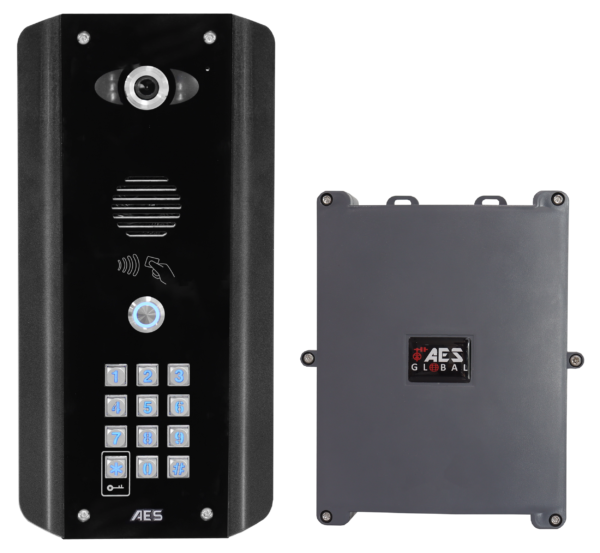 Image
ImageOpyn Pro
Opyn Pro
Video calling, PIN entry and 125 kHz prox in one unit. The 4G version has a built-in router, so a site needs no landline or on-site internet.
View product →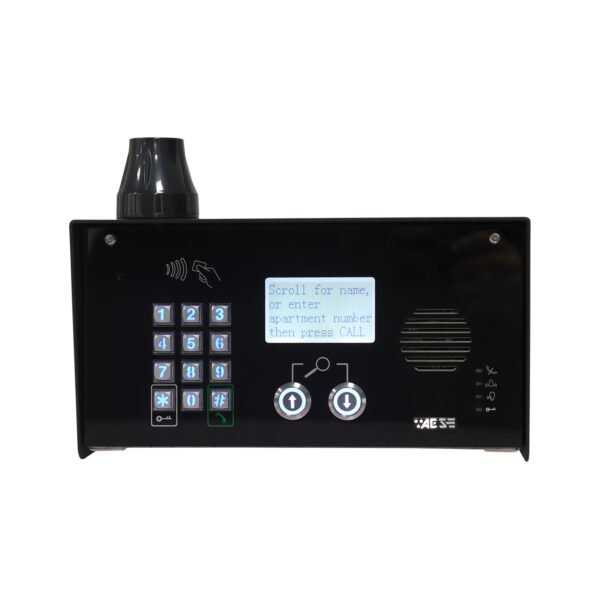 Image
ImageMulticom Classic
Multicom Classic
A scalable 4G callbox with LCD directory, keypad and prox access. One SIM covers the whole site, with no landline or phone wiring.
View product →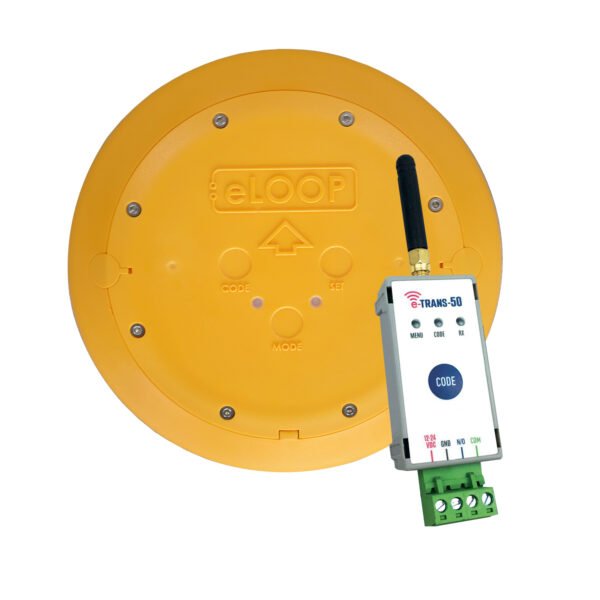 Image
ImageCommercial eLoop
Commercial eLoop
Radar and magnetic detection that also senses a vehicle stopped over the loop, so a gate will not close on it. Surface-mounted, with an 11-ton load limit.
View product →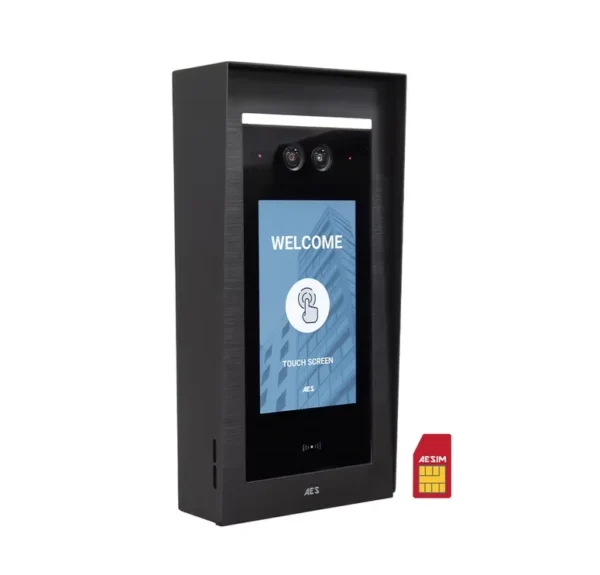 Image
ImageOpyn Multi
Opyn Multi
A 7″ touchscreen directory for apartments and condominiums. Visitors call a unit from the home screen; residents verify by video and release the gate.
View product →
ImageMulticom Classic
Multicom Classic
Calls up to 500 apartments from a single SIM. Visitors scroll the directory or enter an apartment number, with keypad and prox for residents.
View product →Three questions. One starting point.
Answer what you know about the entrance and we will point you to the right category. No account needed.
What kind of property is this for?
What is available at the gate?
What matters most at this entrance?
Why this fits
Worth adding
This is a starting point, not a specification. Confirm the final hardware list with your licensed installer before ordering — gate width, power, cellular signal and local code all affect what is suitable.
If you already know what you are looking for.
Video Intercoms
Gate entry with video and two-way audio to a phone or indoor monitor. IP, 4G cellular and multi-resident versions.
View range → Speak onlyAudio Intercoms
Two-way voice at the entrance without a camera. A straightforward choice where video is not needed.
View range → Code entry, no networkCellular Keypads
Coded entry with a cellular connection for remote programming, where no network cable reaches the gate.
View range → Code entry, localWireless Keypads
Battery-powered wireless keypads that need no cabling at the gate. Pair with an eLoop transceiver.
View range → Vehicle sensingVehicle Detection
Wireless and in-ground detection for free exit, safety and presence sensing at gates and barriers.
View range → Release hardwareGate & Door Openers
The release side of the system, to pair with the entry hardware you choose.
View range →From entrance to order, in three passes.
Define the entrance
Identify every gate, door or barrier that needs controlled entry, and note what power and network already reach it.
Choose the connection
IP where a cable can run, 4G cellular where it cannot. This single decision narrows the catalog faster than anything else.
Complete the system
Add keypads, proximity credentials, monitors, vehicle detection and mounting to suit the property and the number of users.
We supply the hardware. Your installer handles the rest.
Clarke Advantage is a hardware supplier — we do not perform installation, wiring or on-site configuration. If you do not already work with a licensed installer, tell us about the property and we will help you understand what to ask for before you get a quote.